BODY AWARENESS01
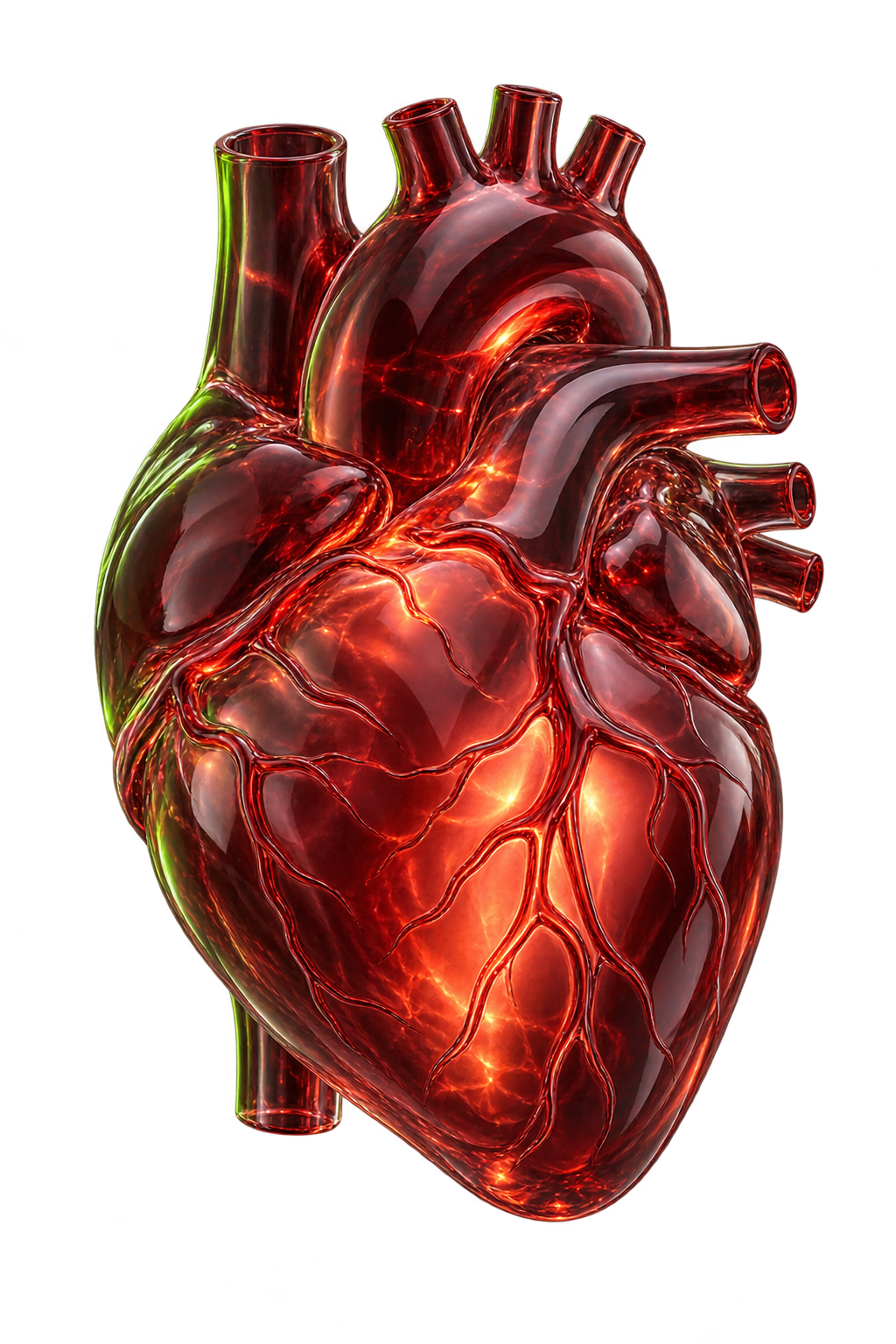
Feel the rhythm.
Heart rate, recovery and daily trends, with the source and freshness of your data in view.
Explore your dashboard ↗ Arogyantraby Darshj.AI
EVERYDAY WELLNESS, CONNECTED
Your wellness dashboard for sleep, movement and nutrition. Understand your daily patterns, explore visual recipes and exercises, and find health education with sources.
A 60-day trial for new accounts. Your journey, at your pace.
Wellness illustration · not a live body scan
01 / YOUR DAILY PICTURE
Small signals tell a bigger story. Explore your daily wellness, then go deeper into what matters to you.
Heart rate, recovery and daily trends, with the source and freshness of your data in view.
Explore your dashboard ↗
See your sleep in context and build a calmer daily routine.
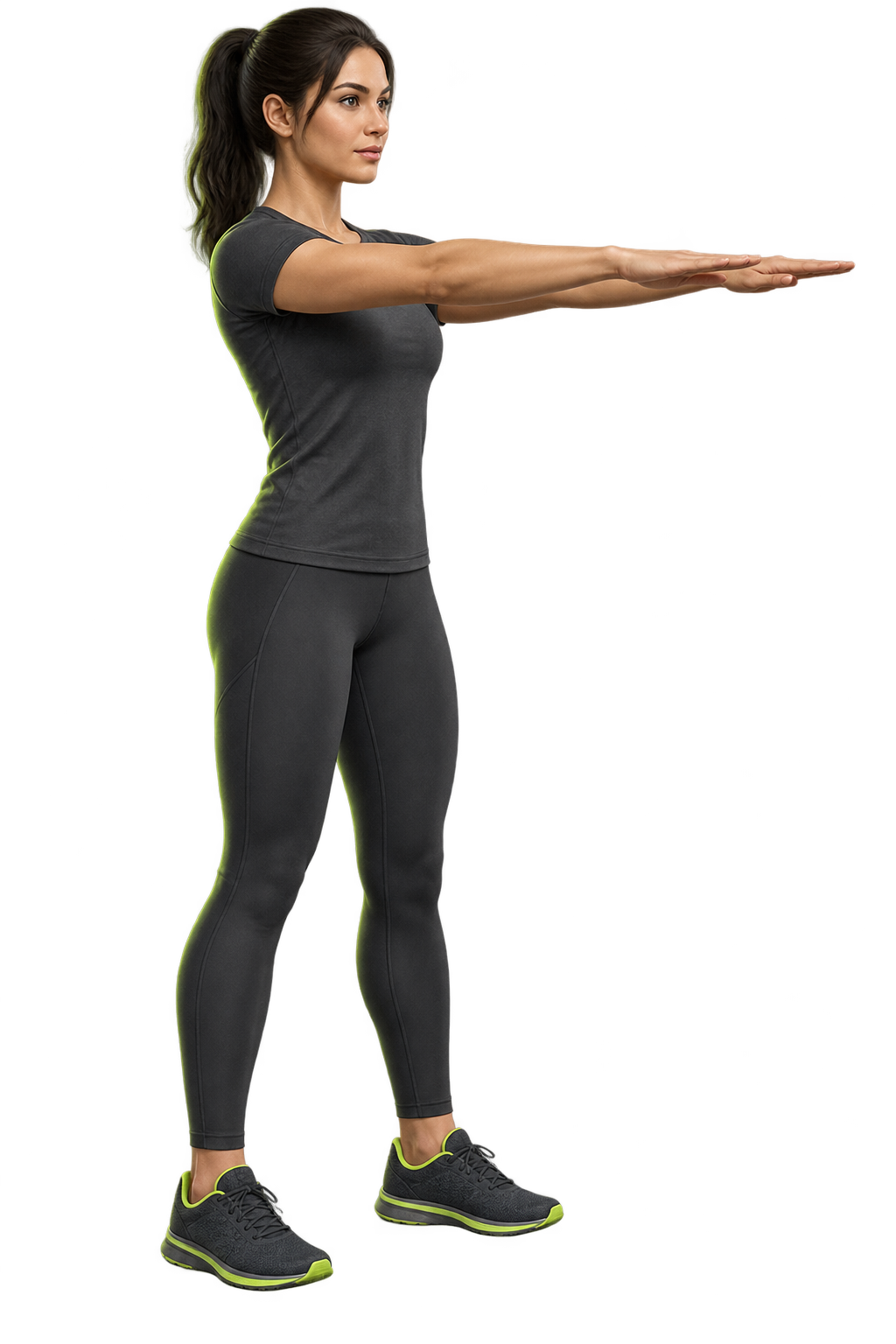
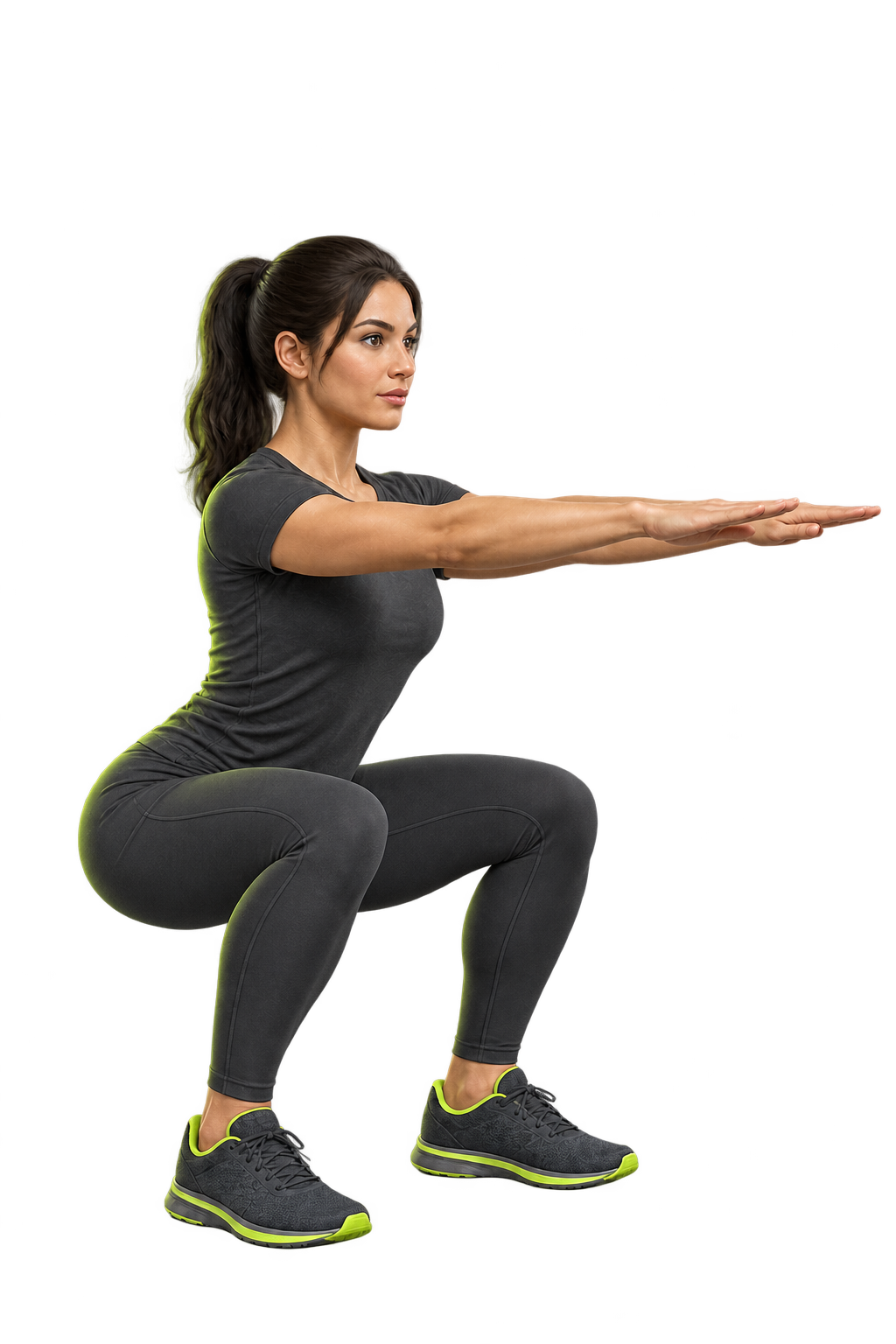
Visual exercise cues, movement demonstrations and routines you can understand.
The iPhone app is the primary experience. Browser and platform availability are detailed below; connected metrics depend on permissions and supported sources.
A SIMPLE PLACE TO BEGIN
Use Google or verify your email. A new account starts one 60-day trial.
Start your trial ↗Pick your app and a supported device or import. Sign-in alone does not connect health data.
Check compatibility ↓Explore your available records, visual recipes and exercise guidance. Build a routine at your pace.
Explore the library ↗02 / KNOWLEDGE YOU CAN USE
From what’s on your plate to how you move, put useful explanations next to the things you’re looking at.
Where would you like to begin?
Illustrative conversation. Browser Coach currently provides a local reference planner; live AI is available only where configured in the native app.
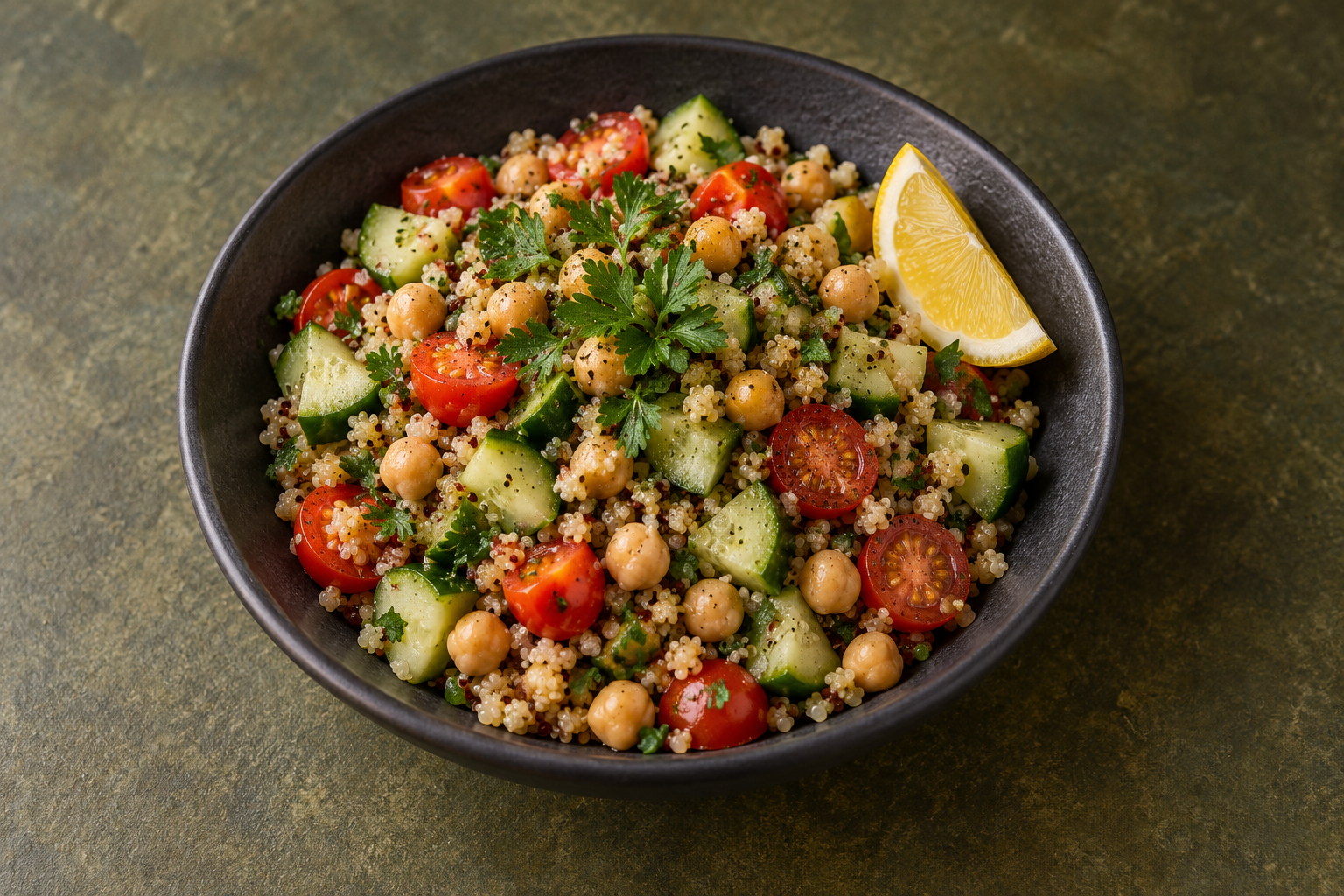
Visual recipes with ingredients, preparation steps, estimated nutrition and dietary preferences.
Male and female exercise demonstrations, equipment guidance and form cues alongside each exercise.
Source-linked education on supplements, skin care and medicines, including cautions and limitations.
03 / YOUR CONNECTED WORLD
Keep the devices you love. Explore the connection and import options in the native app, with a clear guide to what each one brings.
 APPLE HEALTH · iPHONE
Your Watch’s health records, through Apple Health with your permission.
On iPhone, open Devices → Apple Watch & Apple Health. Choose which categories to share in the system permission sheet. Metrics depend on your Watch model, recorded data and permissions. Mac uses Apple Health export files.
Connect a 4.0, 5.0 or MG band for live heart rate and recorded signals.
In the native app, open Devices → Add device → WHOOP, then scan and pair your band. Arogyantra calculates its own wellness scores. Proprietary WHOOP scores and all sensor features are not reproduced by this connection.
 ARCHIVE IMPORT
Bring your recorded Fitbit history into your daily wellness picture.
Open Devices → Fitbit & Pixel Watch to import your Fitbit archive from Google Takeout. The separate Google Health preview requires an eligible linked profile and enabled API; its recent step records are not merged into your dashboard. Google sign-in alone does not connect health data.
Explore your ring’s exported sleep, activity and recovery-related records.
Export your Oura account data, then use the native app’s Data sources import. Supported CSV, JSON and ZIP records retain their source. Data availability depends on the export; automatic Oura cloud sync is not enabled in current builds.
 IMPORT + BROADCAST HR
Import activity history, or use compatible watches to broadcast heart rate.
Import a supported Garmin archive or workout file in Data sources. For live heart rate, enable Bluetooth HR Broadcast on a compatible watch and choose Garmin in Add device. Broadcast support is experimental; this is not full Garmin Connect account sync.
 SCALES · EXPERIMENTAL
A place for your weight readings, alongside the rest of your wellness.
The iPhone scale flow supports the standard Bluetooth Weight Scale service. Open Devices → Scales, connect, and review a reading before saving. Physical validation is pending. Proprietary scales and body-fat measurements are not supported by this route.
Standard Bluetooth heart-rate monitors, compatible FTMS gym equipment, and GPX, TCX or FIT workout files.
HR monitors must expose the standard Bluetooth Heart Rate service; R–R intervals and battery appear when provided. FTMS supports compatible bikes, treadmills, rowers and cross-trainers, without controlling the machine. File imports show only the metrics contained in the file. Compatibility depends on the model and supported service.
Native connections shown here are separate from browser access. One primary live wearable is active at a time; a supported scale can connect separately. Device images are category illustrations, not exact product photographs. Brand names and marks identify compatibility; no affiliation or endorsement is implied.
ROOTED IN CARE. OPEN TO DISCOVERY.
Choose what you connect and what you share. Arogyantra brings traditional inspiration and modern tools together with a clear place for evidence.
A wellness companion, not a diagnosis or a replacement for professional care.
Meet Darshankumar Joshi & discover the story04 / MEET YOU WHERE YOU ARE
Explore Arogyantra in your browser or download a development app. The same visual identity, with platform availability clearly marked.
Visual libraries, a local Coach planner and Arogyantra measurement JSON import for heart rate, sleep, steps and weight. Sign in to begin.
Open web app ↗Primary native experience. This signed IPA installs only on the registered development device; it is not a public sideload release. Current profile expires 18 October 2026.
Download development IPA ↓Package in preparation App Store Coming soonFull native Android development build. Android 8 or newer; installation outside Google Play must be allowed. Debug-signed for testing.
Download development APK ↓Package in preparation Google Play Coming soonNative Mac development app in a disk image. Ad-hoc signed, not notarized; macOS may block installation. Public Developer ID distribution is pending.
Download development DMG ↓Package in preparationA dedicated desktop window for Arogyantra’s web experience. Internet required; email sign-in. Unsigned x64 development installer, without native Bluetooth access.
Download development EXE ↓Installer in preparationDevelopment downloads are for testing. Store listings will be linked here when published. Device support and live AI depend on the platform; browser and Windows features do not yet equal the native iPhone app.
YOUR NEXT CHAPTER
New Google or email accounts receive one 60-day trial. Your original trial dates stay with your account.
Start your 60-day trial ↗100 USDT / year
After your trial, choose whether to continue. No automatic crypto charge.
Server-verified subscription status
USDT on the TRON network (TRC20)
Invoice history in your account
Payment availability is shown in your account before any transfer.
Manage your membership ↗A FEW THINGS TO KNOW
Arogyantra by Darshj.AI is a wellness app with a daily dashboard, visual recipes and exercise guidance, and source-linked health education. Features and supported data connections vary by platform; iPhone is the primary native experience.
Darshankumar Joshi is the developer and owner behind Arogyantra. His personal faith in Lord Dhanvantari and interest in longevity inspire the product. Read the product and founder story.
No. Choose a supported native connection or import route and grant the required permission. Apple Watch records use Apple Health on iPhone; other devices may use Bluetooth or file imports. Google sign-in alone does not connect health data. See device compatibility.
The iPhone app is the primary native experience. The current browser app offers visual recipes, exercise demonstrations, source-linked wellness education, a local reference planner and Arogyantra measurement JSON import for heart rate, sleep, steps and weight. Native device sync, live AI and cloud backup are not all available in the browser.
Use Google or verify your email on the account page. Each sign-in method is shown only when its server configuration is ready. New accounts receive one 60-day trial; signing in again does not restart it.
No. Account authentication and health sharing are separate. Imported records in the browser stay in browser storage unless you choose to export them. Avoid importing sensitive health information on a shared computer.
No. Health, nutrition, skin-care and medicine content is educational. Check ingredient labels and consult a qualified professional for diagnosis, medication changes or an individual treatment plan.
When enabled, your account creates an invoice with a receiving address and the exact USDT amount on TRON (TRC20). Access updates only after verification. Send only the specified token and network. Never send payment to an address copied from a chat message.
AROGYANTRA BY DARSHJ.AI